


ARTISTS TOOLS
Affinity Photo / Affinity 3

Enhancing References
Duration: 19½ mins
Using Affinity Photo (or Photoshop, etc) to enhance your reference photos. Includes pulling hidden detail out of the shade, and the benefits of working with normal and lightened photos.

Showcase your Drawings
Duration: 26 mins
Using Affinity Photo to produce Super-clean photos of your work. No more deadly dull, grey images, lacking in contrast and interest. Learn to present your work in its best light.

Sourcing additional detail
Duration: 13½ mins
Poor photos, bad lighting, a lack of usable detail... using Affinity Photo and other means to rectify problem references. Too dark, too blurry, bad timing... whatever the problem, you might find the answer here.
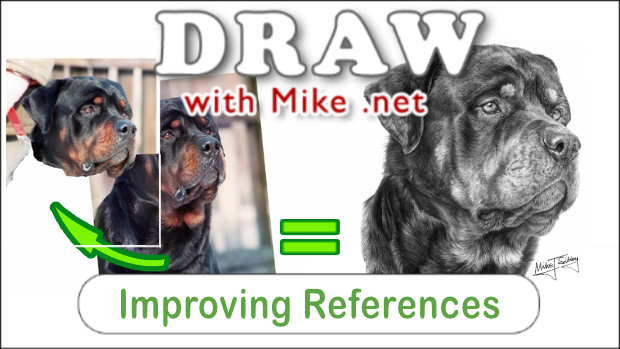
Improving References
Duration: 25¼ mins
Using Affinity Photo to combine photos, create missing features, fix distortion, and generally improve your reference photos. With step-by-step demonstrations.
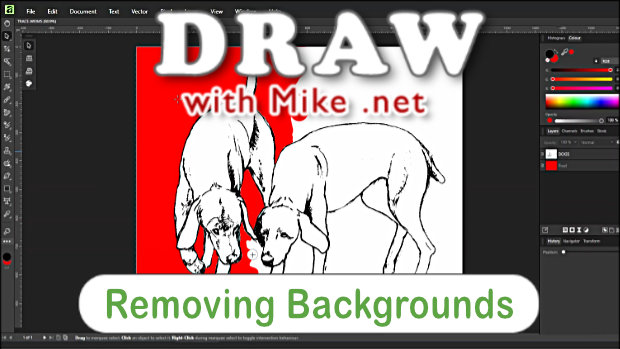
Removing Backgrounds
Duration: 20½ mins
Using Affinity 3 to make backgrounds transparent, so you can move and resize photos, drawings and sketches as you compose your atwork. With step-by-step demonstrations.
kathym6603
Your presentation makes me dream about all the things we could learn if someone explained them this well.

